Digital Workplace, Identity and Endpoint Management

What We Do

Trybus Solutions designs, deploys and supports the technology employees use to get through a working day: identity and sign-on, the computers people work on, the platforms they work in, the service desk they raise a ticket with, and the screens in shared spaces.

Most of this work starts for a familiar reason. A fleet has aged past what the current operating system will run on. A merger has left two directories and two of every tool. A renewal has forced somebody to count what is in use.

Our clients usually have their own IT team. We are there for the parts that need people who have done this before, and to carry the volume a rollout creates. Calling, meetings, contact center and meeting room technology sit on our collaboration page.


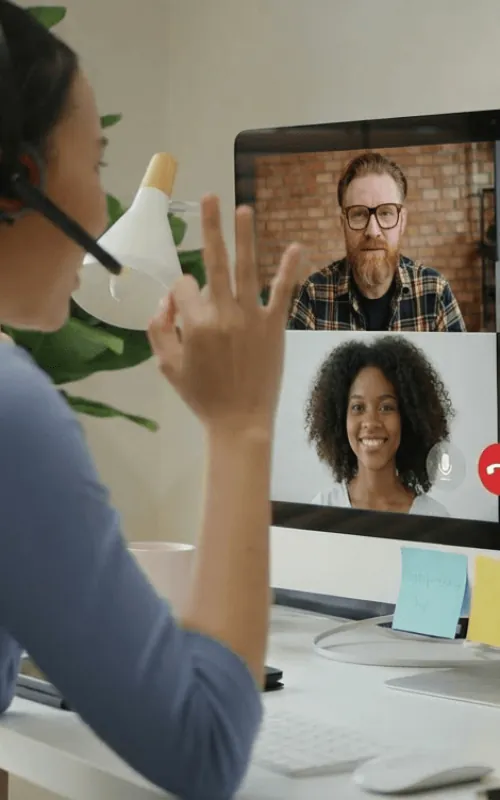
Worker at a desk greeting two colleagues on a desktop video call
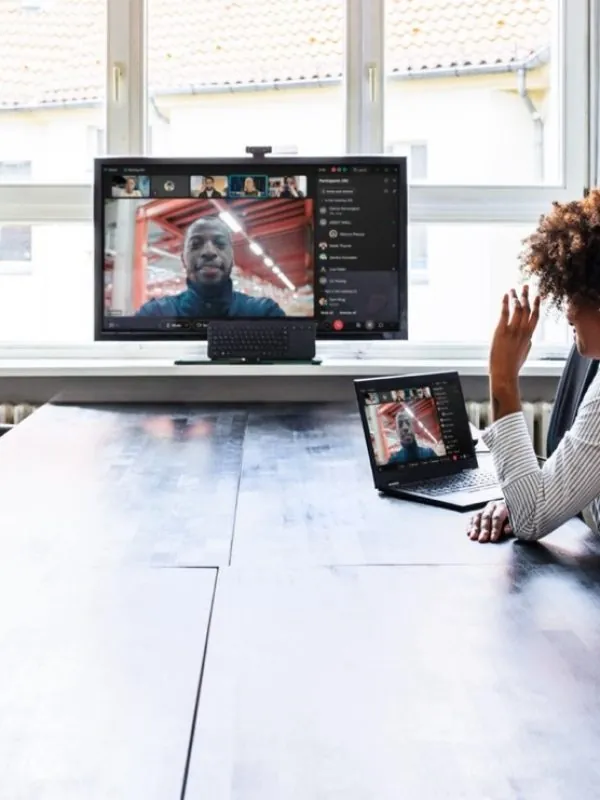
Meeting room video system showing a remote participant on a wall display

Why Clients Bring Us In

What You Get

Scope varies. Four hundred seats in one building does not need the documentation that six thousand across forty sites needs. Below is what we produce on a typical mid-size project, and we agree which of it you need during scoping.

Everything we produce is yours. If you take the design elsewhere to be built, it will be complete enough for somebody else to build it.

Businesswoman, security and finance. Confidentiality. Cybersecurity.
Managed Video Conferencing Services

The Systems We Work On

Six areas. Most projects touch three or four of them, and identity is almost always one.

01

Identity and Access for the Workforce

Directory and group structure, single sign-on, multi-factor enrollment, and how everyday applications connect into it. Most organizations have two or three places an identity can be created, which is why nobody can answer who has access to what. Hardening the policy itself is work our security team runs.

02

Joiners, Movers and Leavers

How a new starter gets an account, a computer and the access their role needs without somebody keying the same details in three times, and how all of it comes back when they leave. Automating this is usually the quickest return in a workplace project.

03

The Device Fleet

Device standards by role, build and enrollment, application packaging, patching, and the refresh or lease cycle underneath. An estate carrying three models is cheaper to support than one carrying fifteen. We also plan for what comes out the other end: wiping, disposal or trade-in, and spare stock.

04

Productivity and Content Platforms

The suite people write in, the place files live, and the tools bolted on around them. The work is usually moving content off aging file servers and personal drives, cleaning up licensing that grew one renewal at a time, and setting sharing and retention deliberately.

05

Service Desk Tooling and Self-service

Ticketing and asset tooling configured around how your organization works: the request catalog, the forms, approval routing, asset records tied back to the device inventory, and a knowledge base people can find. Self-service password reset and automated request fulfilment take the highest-volume work off the queue. Running the desk itself is a separate agreement.

06

Digital Signage and Shared Spaces

Screens in lobbies, production floors and break rooms, and the shared computers in places where several people use one machine across a shift. The work is settling on a display and player standard, deciding who owns the content, and sorting the mounting, power and network drops.

01

How a Project Runs

Broadly the same shape whether it is four hundred people or six thousand. Timescales depend on the size of the estate, hardware lead times and how much of your team is available.

What Is Quoted Separately

Most of what is below is work we do. It is not part of a digital workplace project by default, because each piece carries its own scope, its own schedule and its own cost. If you want any of it included, say so at scoping and we will quote it in.

Industries We Work In

The technology does not change much between sectors. What people need from it on a Monday morning does.

Technology We Work With

We hold partner relationships across the technology industry, and our engineers also work in platforms we do not sell. A workplace project starts on whatever you are running now, whoever supplied it.

We do not publish comparisons between manufacturers. Which platform suits an organization is something an assessment works out, not something a website should decide.

  • Microsoft logo — Trybus Solutions technology partner
  • Adobe logo — Trybus Solutions technology partner
  • CodeTwo logo — Trybus Solutions technology partner
  • Freshworks logo — Trybus Solutions technology partner
  • Dell logo — Trybus Solutions technology partner
  • HP logo — Trybus Solutions technology partner
  • Lenovo logo — Trybus Solutions technology partner
  • Logitech logo — Trybus Solutions technology partner
  • Poly logo — Trybus Solutions technology partner
  • Samsung logo — Trybus Solutions technology partner
  • LG logo — Trybus Solutions technology partner
  • Wipro Vision Edge logo — Trybus Solutions technology partner

See all technology partners →

Talk to Us About a Project

Tell us how many people you support, how many sites, how old the fleet is and what date is driving the timeline. We will tell you what needs doing and what does not, and put a scope and a number against it.